Hello, traveler! I started this blog in order to check the functionality. I will post everything here, according to my mood. I hope it will be interesting)
Many people asked me whether themed profile decorations for Halloween would be available, so here’s the answer: they are now!

You can choose from frames in creepy and cute themes (whatever you like).
These exclusive frames will be available for purchase only until the end of October, so hurry up before they disappear from the store!
Purchased frames will remain in your inventory forever.
Which frame do you like better?2
Hello, dear friends!
A new update has been uploaded to the site today, but since it is small, I decided not to write a separate news item. Let's take a quick look at the patchnout:
In the latest update, we added the ability to create audio questions for quizzes. You liked the update, so we tried to polish it and added some new features.:
In the process of creating a post, it is sometimes important to see how it will look before publication.
The test editor has had this feature for a long time, and now we've added it to the posts. The preview button is located at the bottom, in front of the publish button.
* * *
We continue to actively develop it. There will be a few more small improvements coming soon, before the next major update.
Thanks for your attention!
How are you feeling?3
Welcome, newcomer, to our little world of Pikuco!
If you’ve taken your first steps on the site, completed a test that caught your interest, and now find yourself wondering, 'What else is there to do here?', then this article is definitely for you! Get comfortable, and I’ll explain everything as simply as possible.
As you’ve already gathered, our community specializes in creating, publishing, and storing various types of tests: these can be tournaments, quizzes, identifications, diagrams, and trees. You can read more about each test format in the separate detailed article.
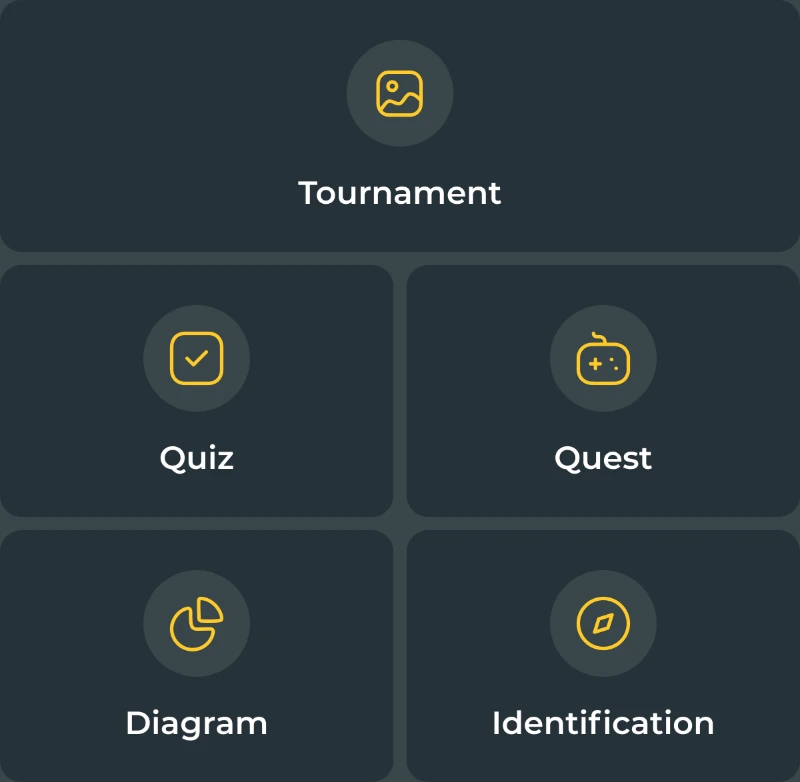
First things first, to unlock all the features of the site, you’ll need to create an account. Don’t worry, it only takes 2 minutes :)
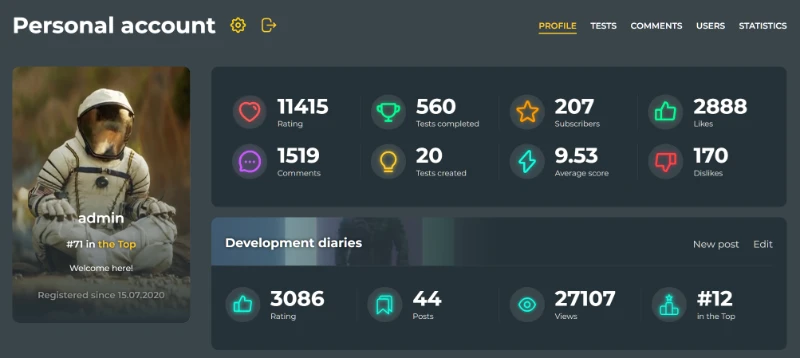
Right after registering, you'll have your own personal page where you can set up a profile picture and background, change your nickname, and update your signature (status). On this page, all your stats will be displayed: how many tests you’ve created, how many you’ve taken, how many people have followed you, the ratings you've given, your own rating score (you can read about what the rating score is and why it matters in this article), your blog statistics, the number of awards you’ve earned, and your achievement progress (yes, you can earn achievements on our site and level them up, just like in video games).
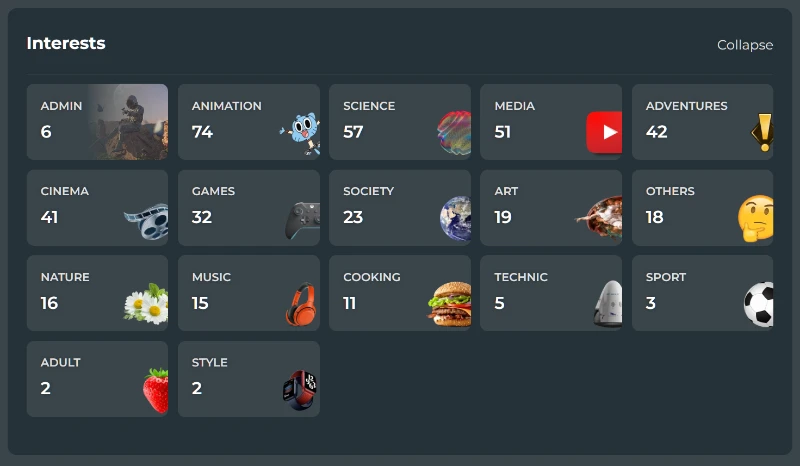
Also, if you scroll all the way to the bottom of your profile, you can learn about your interests: how many tests you’ve taken and in which categories, helping you (and others) get a sense of your or other user's preferences:
When you create an account, you’ll also get full access to creating your own tests. Pretty cool, right? Definitely give it a try! Just click the 'Create' button, choose the type of test you're interested in, and start developing it by following the prompts.
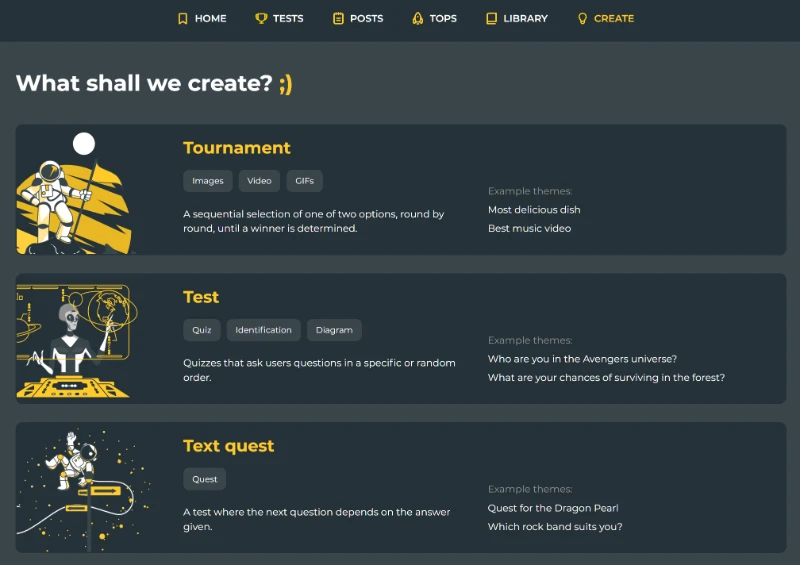
Published tests will appear in the main feed and be available to our entire audience (except for intentionally hidden, non-public tests).
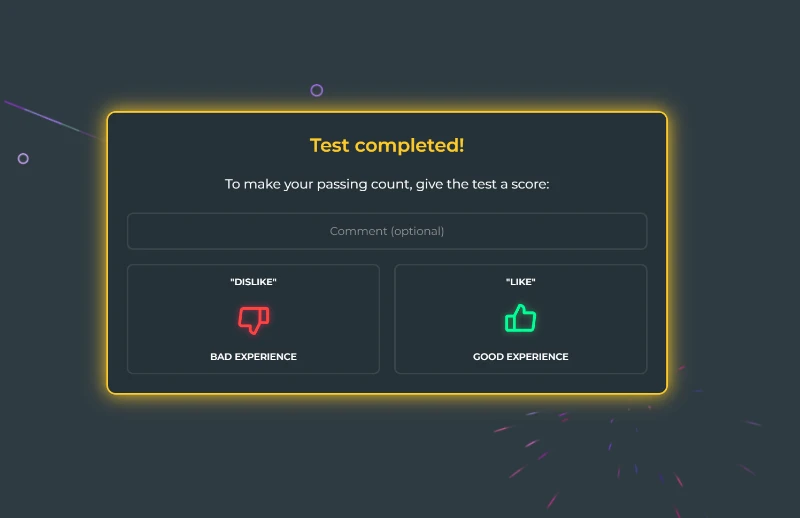
If you're not quite ready to create your own tests yet but still want to have a good time, you can take and rate tests created by other users. At the end of each test, you'll be asked to rate it with a 'like' or 'dislike'. Your rating affects the test's position in the feed and the author's ranking.
You can read more about the rating system and why it's important in the following article.
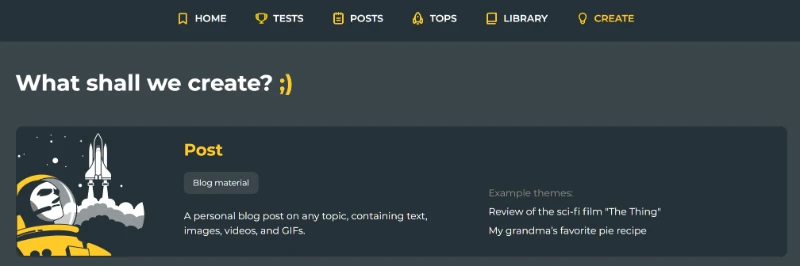
Perhaps you have a hidden talent for writing? In that case, another great feature of our site for you is posts. By creating your own blog, you can write articles on any topic, whether it’s science, history, or even sports. You’re sure to find readers with whom you can discuss and chat about shared interests in the comments! To publish a post, simply head to the 'Create' section in the main menu and select 'Post' from the dropdown list.
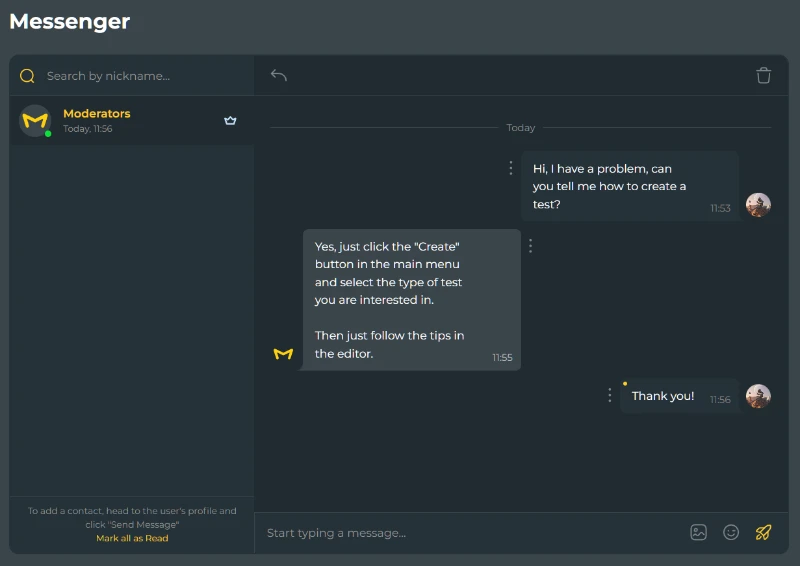
Pikuco also features a built-in messenger where you can chat with users about various topics, discuss common interests, and ask questions to more experienced members of our community. I'm sure they would be happy to offer their advice, making your journey even easier and more enjoyable.
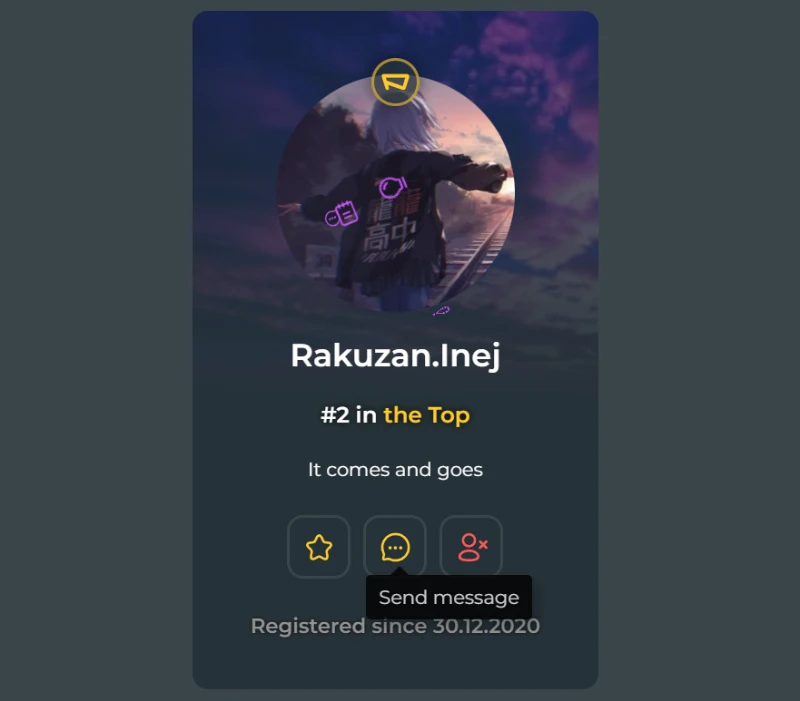
To message a selected user, go to their page and click on the displayed icon (a tooltip saying 'Send message' will appear when you hover over it). You will be redirected to a personal chat for further communication.
Once you get immersed in community life, you'll definitely want to test your skills in internal competitions, or simply connect with other users who share your interests by chatting in the public chat.
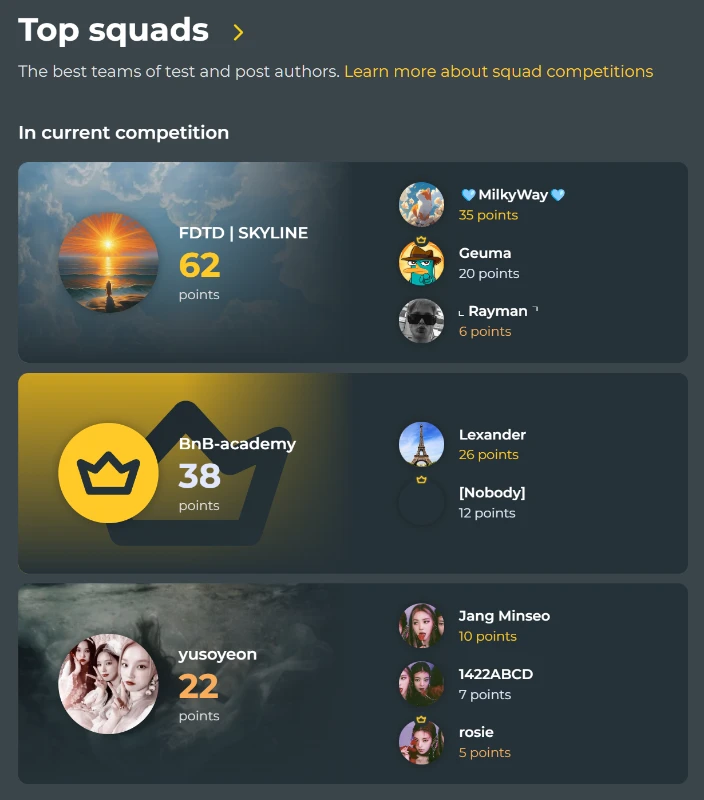
For this, you need to create your own squad or join an existing one. The maximum number of participants in a squad is three people.
You can learn more about squads and detailed information about competitions between them in the article linked here.
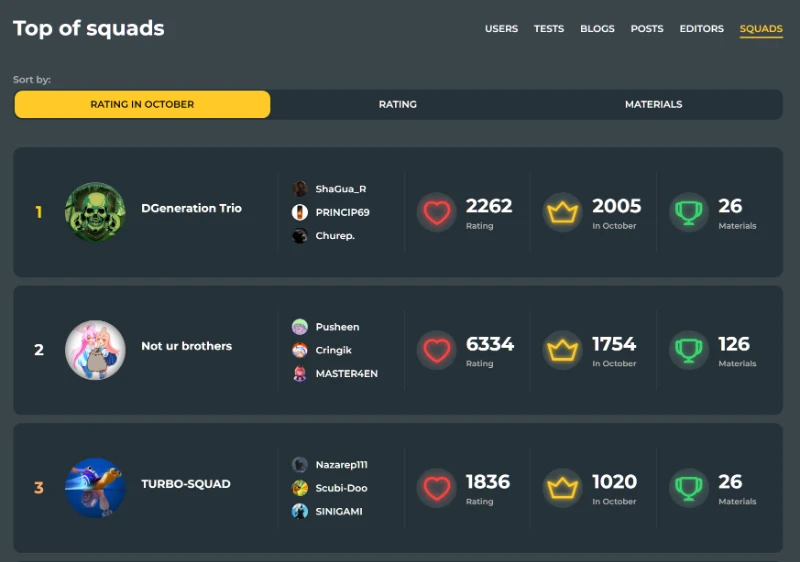
Each month, you can make it to the main page in the top 3 for various achievements: test creation, post creation, likes on your comments, and the number of new tests you've taken.
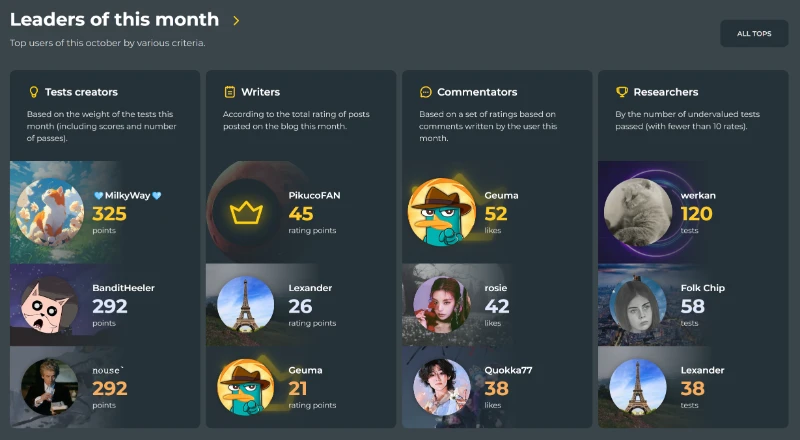
Next to this, you'll find the top squads for the current and previous month:
* * *
I hope I was able to introduce you to everything clearly and simply. However, if you have any questions or if any arise in the future, you can always reach out to the 'Moderators' chat (which is automatically pinned at the top of your dialogue list), where we will do our best to help you resolve any issues.
I wish you creative success and an enjoyable time in our community!

