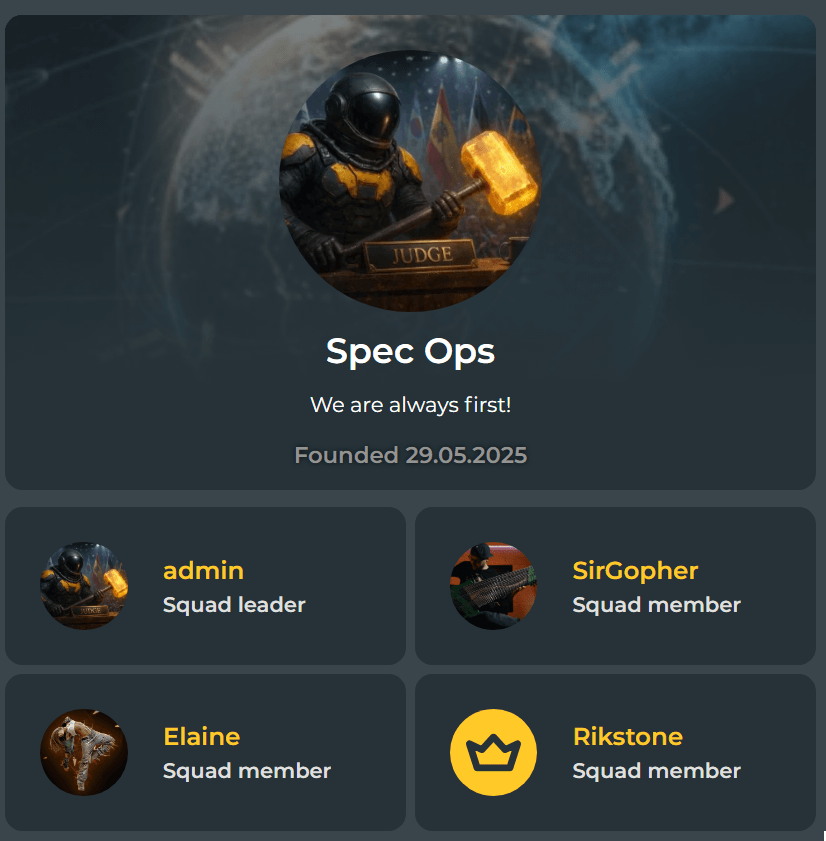
Squads are teams of four users who join forces to earn bonuses, take part in competitions, and unlock rewards together.
Each squad is managed by a leader, who controls the squad composition.
The main purpose of any squad is participation in Squad Wars.
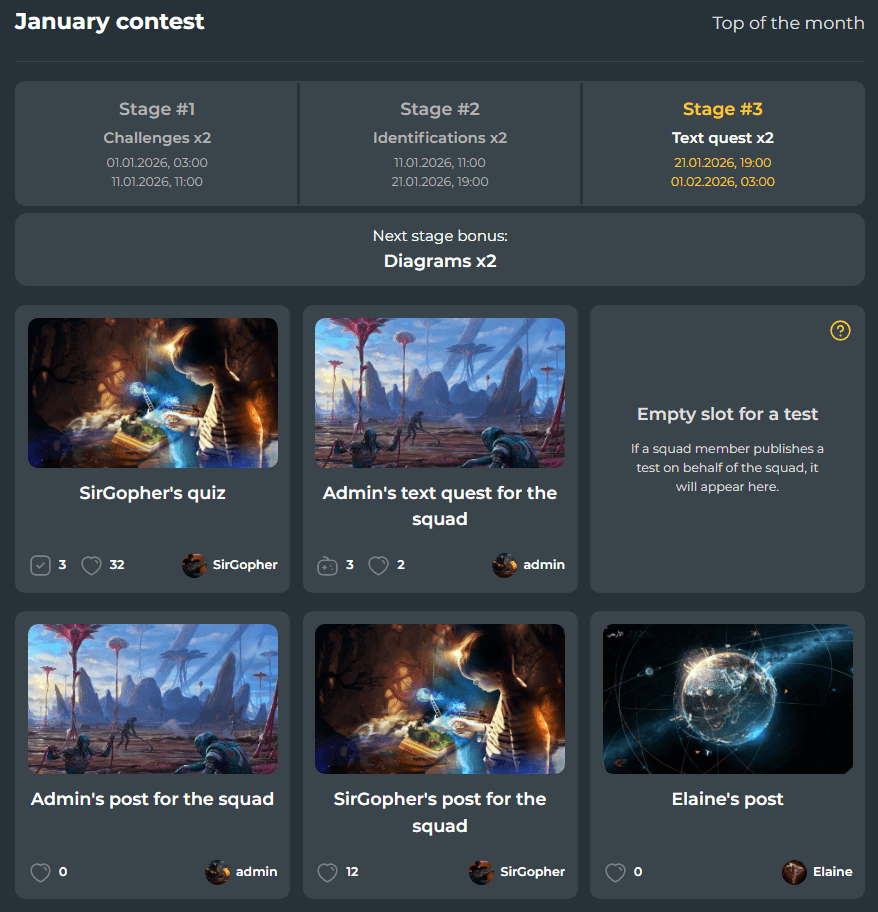
Squad War — how competitions work
Every month, the platform hosts team-based competitions for squads called Squad Wars.
They start on the first day of the month at 00:00 GMT and divide the month into three equal stages.
During each stage:
Content published on behalf of the squad grants rating points:
Once a stage ends, previously published content no longer contributes points to the squad. Squad members may then publish new content in the next stage.
Important: each stage includes a bonus for a random content type, which is announced in advance.
Tests of this type grant double victory points to the squad — use this bonus wisely.

Squad War rewards
At the end of each Squad War, all actively participating members of the top 3 squads receive legendary rewards for their most successful content:
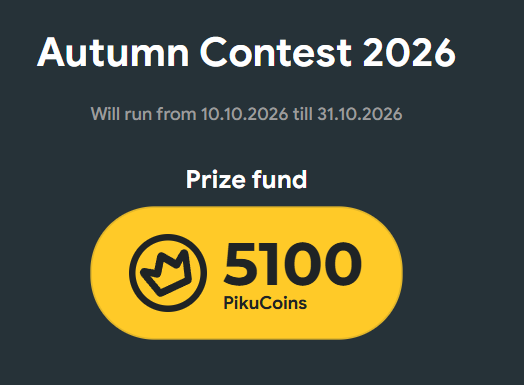
In addition, all actively participating members of the top‑3 squads get the opportunity to take part in the seasonal Pikuco author's competition with unique legendary awards and other prizes.
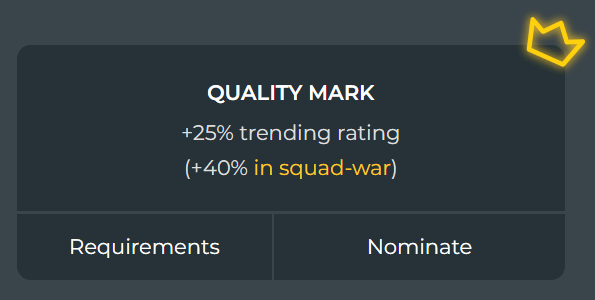
Additional bonuses
The “Quality Mark” and “Editor’s Choice” awards provide an additional promotion boost for content published as part of Squad Wars.
Even if you are not aiming for top placements, using this opportunity is still highly beneficial. Give it a try — the results may pleasantly surprise you.
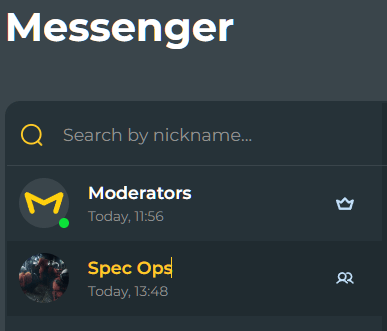
Effective communication is key to a squad’s success.
That’s why every squad has a group chat, where members can communicate, discuss strategies, and plan their actions.
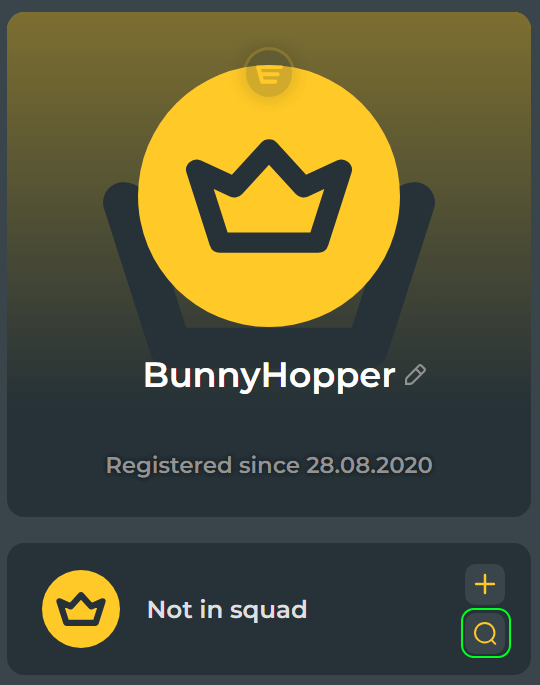
How to find and join a squad
If you want to join an existing squad, use the Squad Search feature.
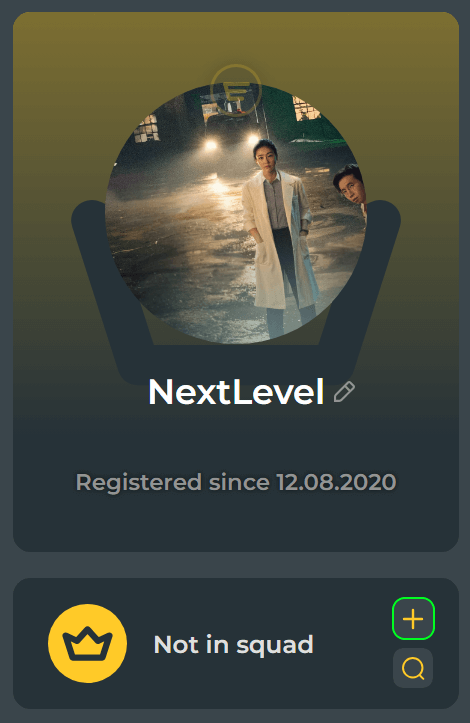
Go to your profile page and click the button with the search icon.
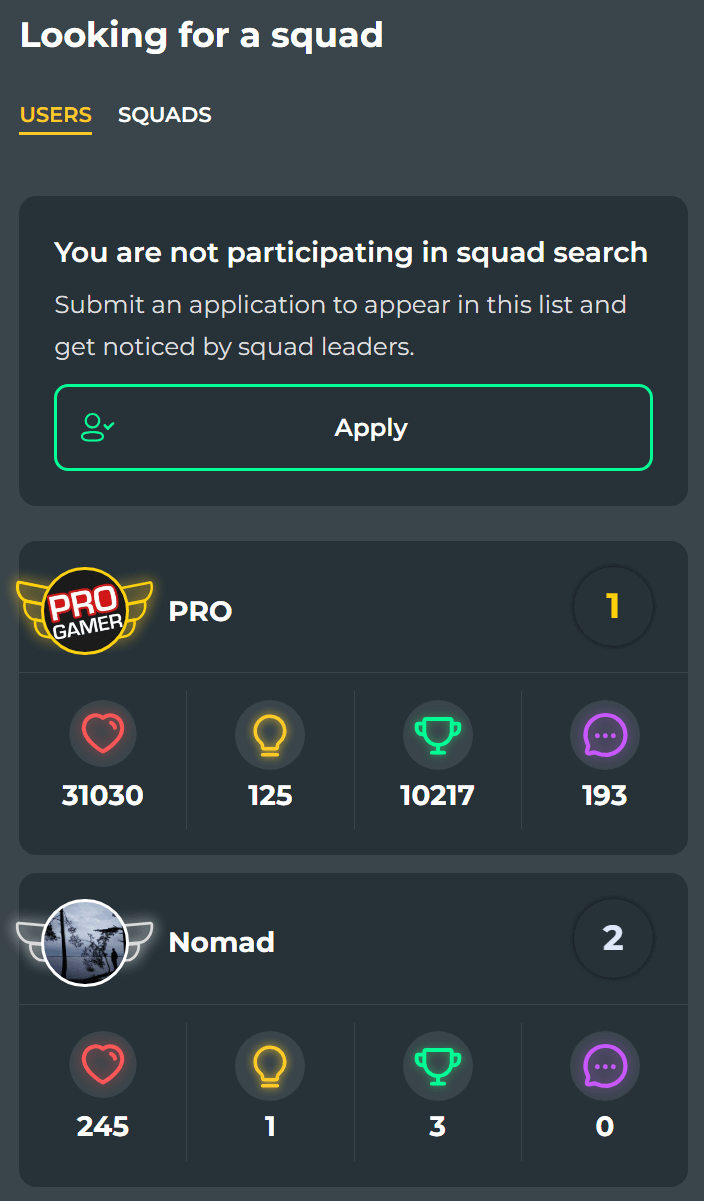
You will be taken to the applicants page. To be added to the candidate list, click the large green “Apply” button.
Squad leaders will then see you among the candidates, and your profile will display the “Looking for a Squad” status with an invitation button.
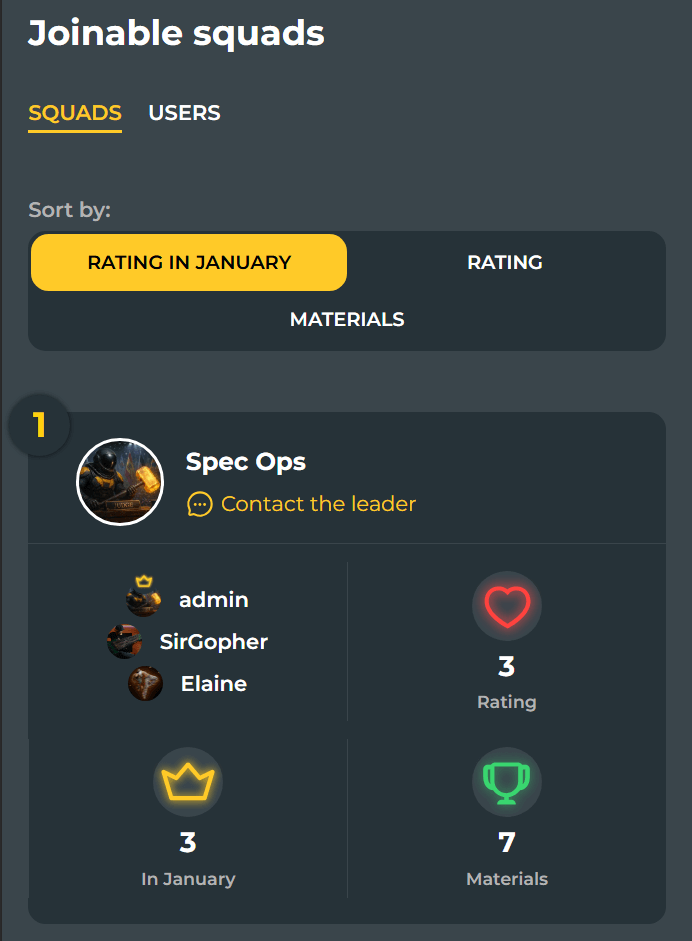
If you prefer not to wait, take the initiative.
On the “Looking for a Squad” page, switch to the “Squads” tab to view squads currently recruiting. You can contact the squad leader via messenger and propose your candidacy directly.
How to create a squad
To create your own squad, your account must have 1,000 rating points.
Go to your profile page, click the Create Squad button, fill out the form, and you can start recruiting members right away.
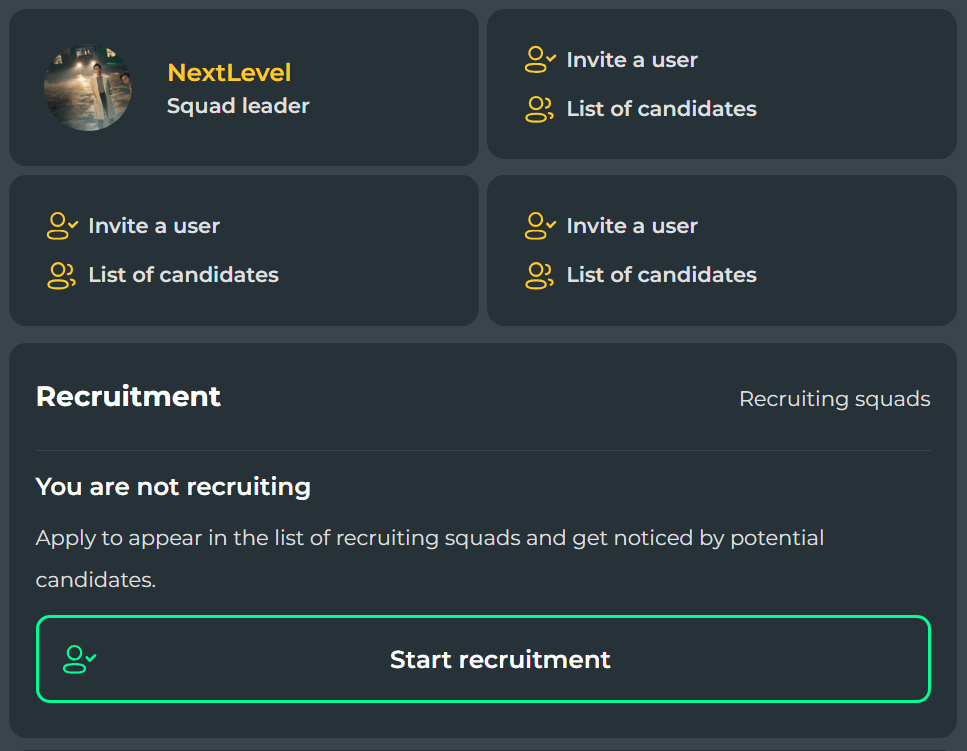
How to recruit squad members
Your squad page provides several tools for recruiting users:
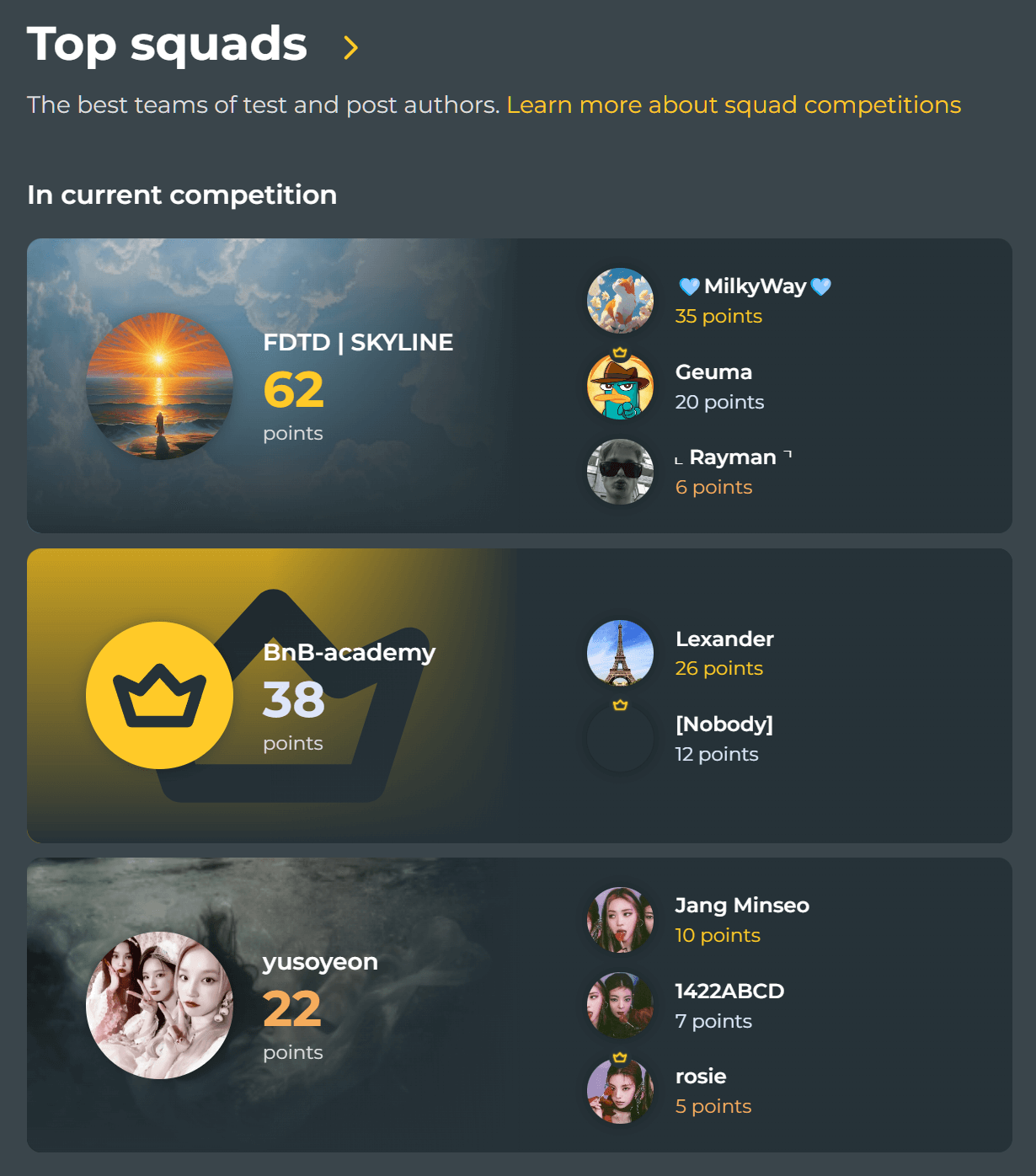
Where to view Squad War history
The status of the current and past Squad Wars is displayed on the homepage.
For a complete overview of previous competitions, visit the dedicated Squad War History page.
Thank you for reading this article. We hope it was helpful.

